-
Open the site
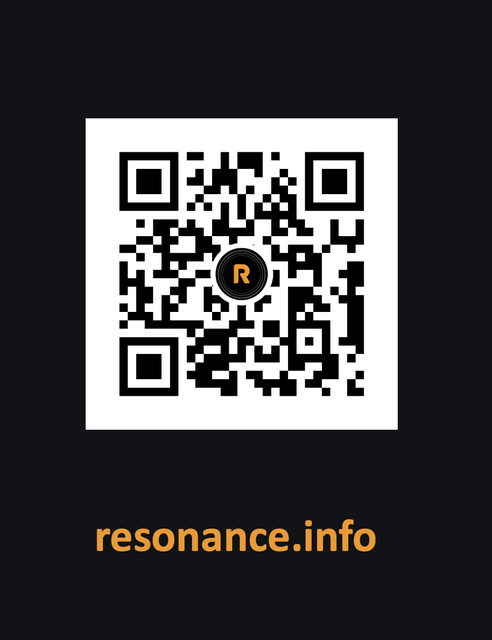
Go to resonance.info on your phone or your computer. You can also scan the QR code.
-
Create your account
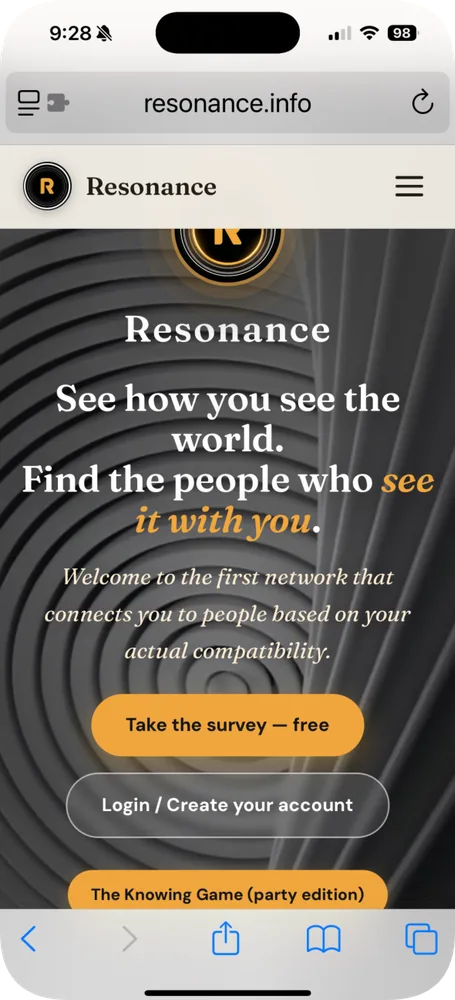
On the home page, scroll down and tap Login / Create your account.
Use whatever email account you actually check most often. It does not need to be your university email — you’ll verify that separately at Step 7.
-
Take the Lens survey
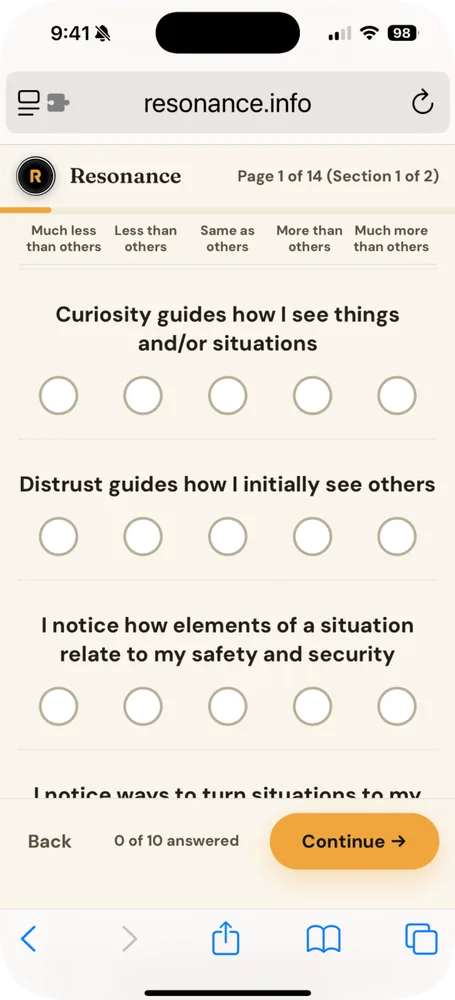
The survey starts as soon as your account exists, and it takes about 10 minutes.
Don’t work too hard on the answers. Go with the first thing that comes to mind — that first read is what the survey is built to pick up.
-
Join the network
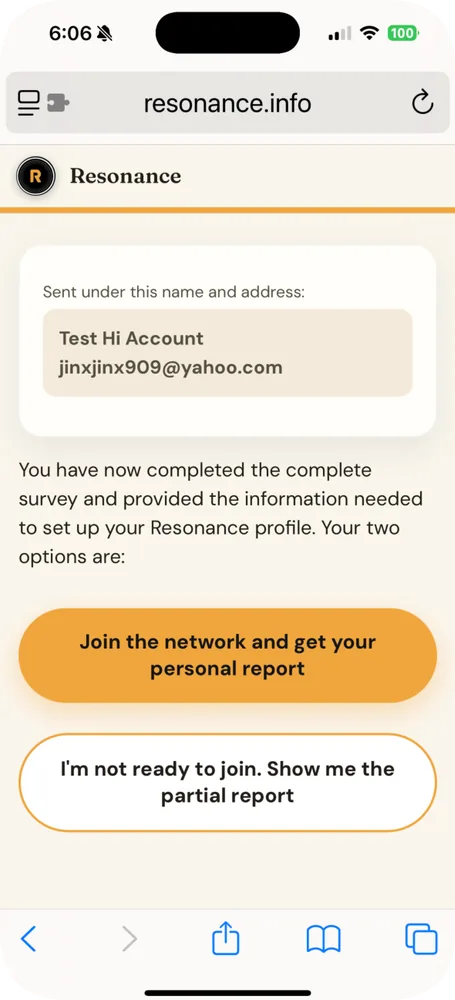
When you finish, you’ll reach a screen with an orange button that says Join the network and get your personal report. Tap it, and it takes you to your personal report.
-
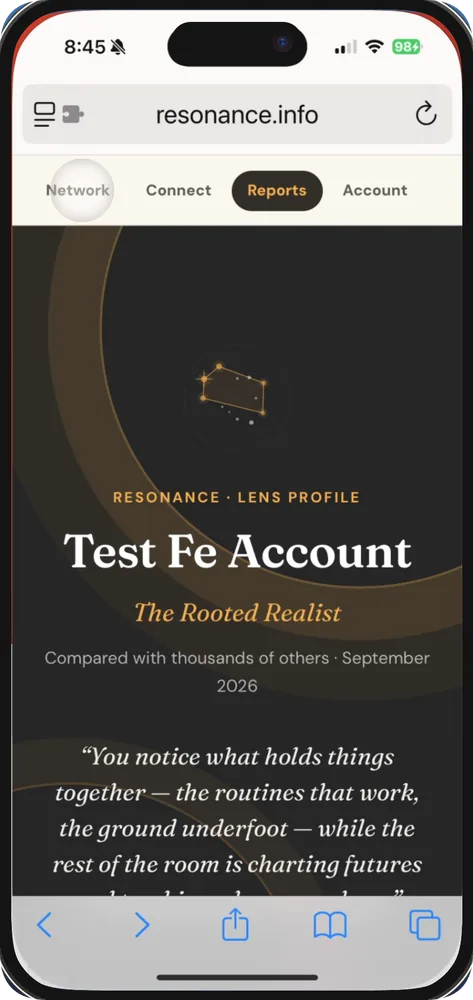
Read your report, then open Network
Take your time with the report. When you’re done, scroll back to the top of that page and tap Network.
-
Switch to the Community view
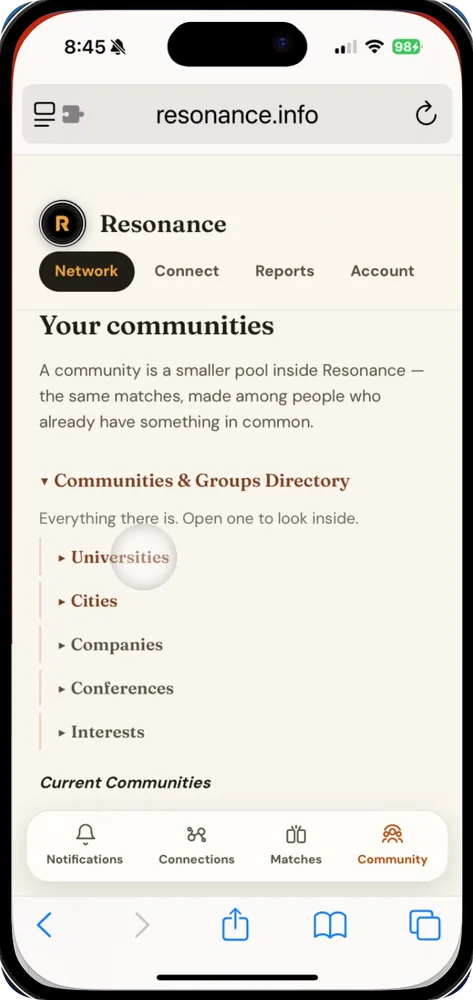
At the bottom of the Network page there are four icons — four views of the network. Make sure you’re on the rightmost one, Community.
-
Verify your university
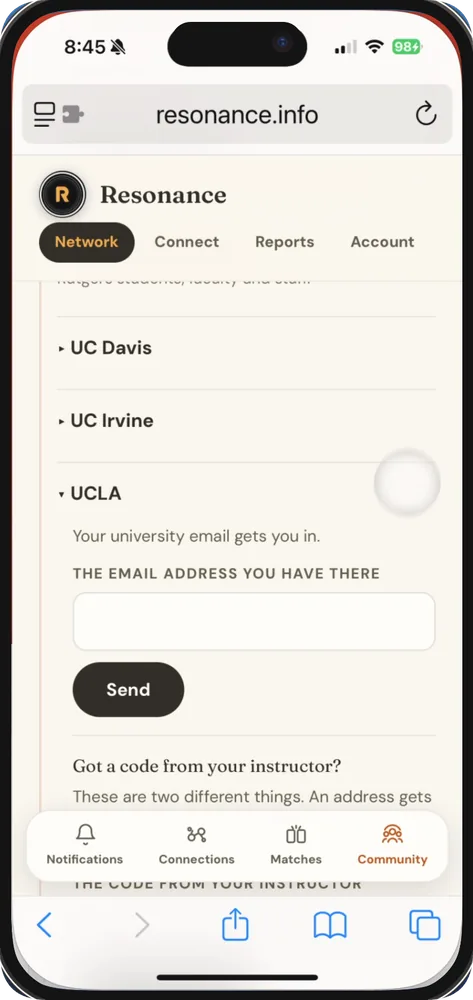
Tap Universities. You’ll get a list of universities — find yours and open it. It will ask for the email address you have at that university, then send a code to that account. Come back here and enter the code.
This is why you didn’t need a university email to sign up: verification happens at this stage instead. Entering the code shows that you control that university-specific account.
-
Join your class group
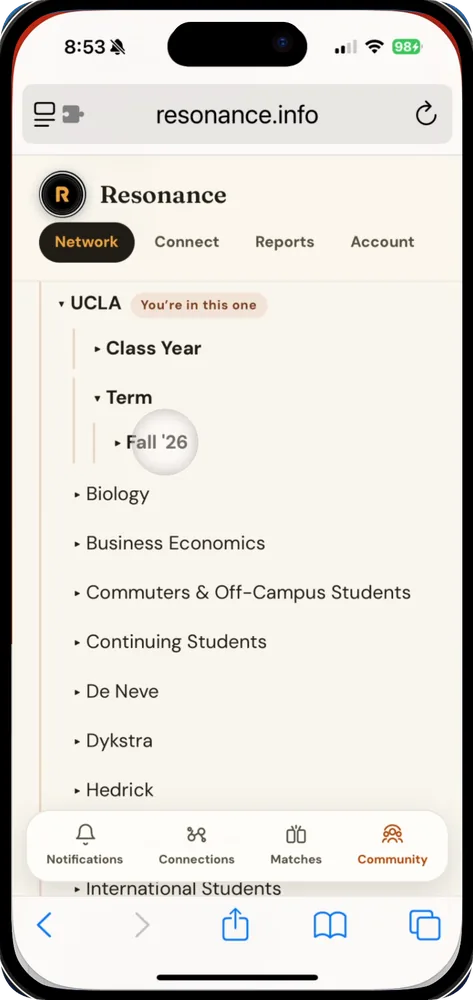
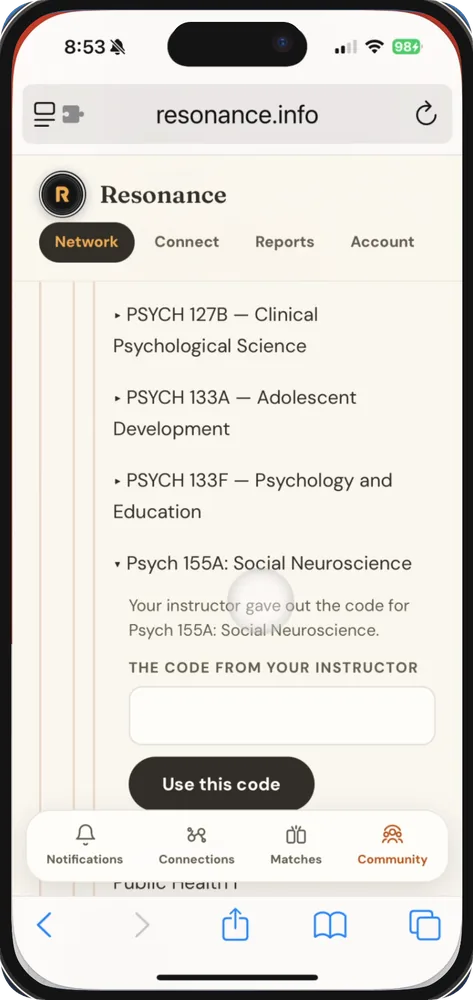
Once you’re part of the university community, you’ll see groups and folders you can join. Tap Individual Classes, then the current term, and you’ll get a list of classes. Find the class you’re in and open it.
It will ask for the code your instructor gave you. Enter it and you’re a member of your class’s group.
When you join your class on Resonance, you’re placed in a study pod with about three classmates you’re likely to click with. Your pod gets its own chat for notes and files, help finding a time to meet, and reminders before exams.
-
Explore
Look around the app. Meet your matches. Say hi in your study pod. Invite people you already know as connections. Play a game in the app.
-
Want more detail?
A series of videos on how to use each part of the app is going up here: youtube.com/@MatthewLiebermanPhD